Got questions about Super Battle Golf? We've got answers. This FAQ covers everything from system requirements to multiplayer setup and common issues.
General Questions
What is Super Battle Golf?
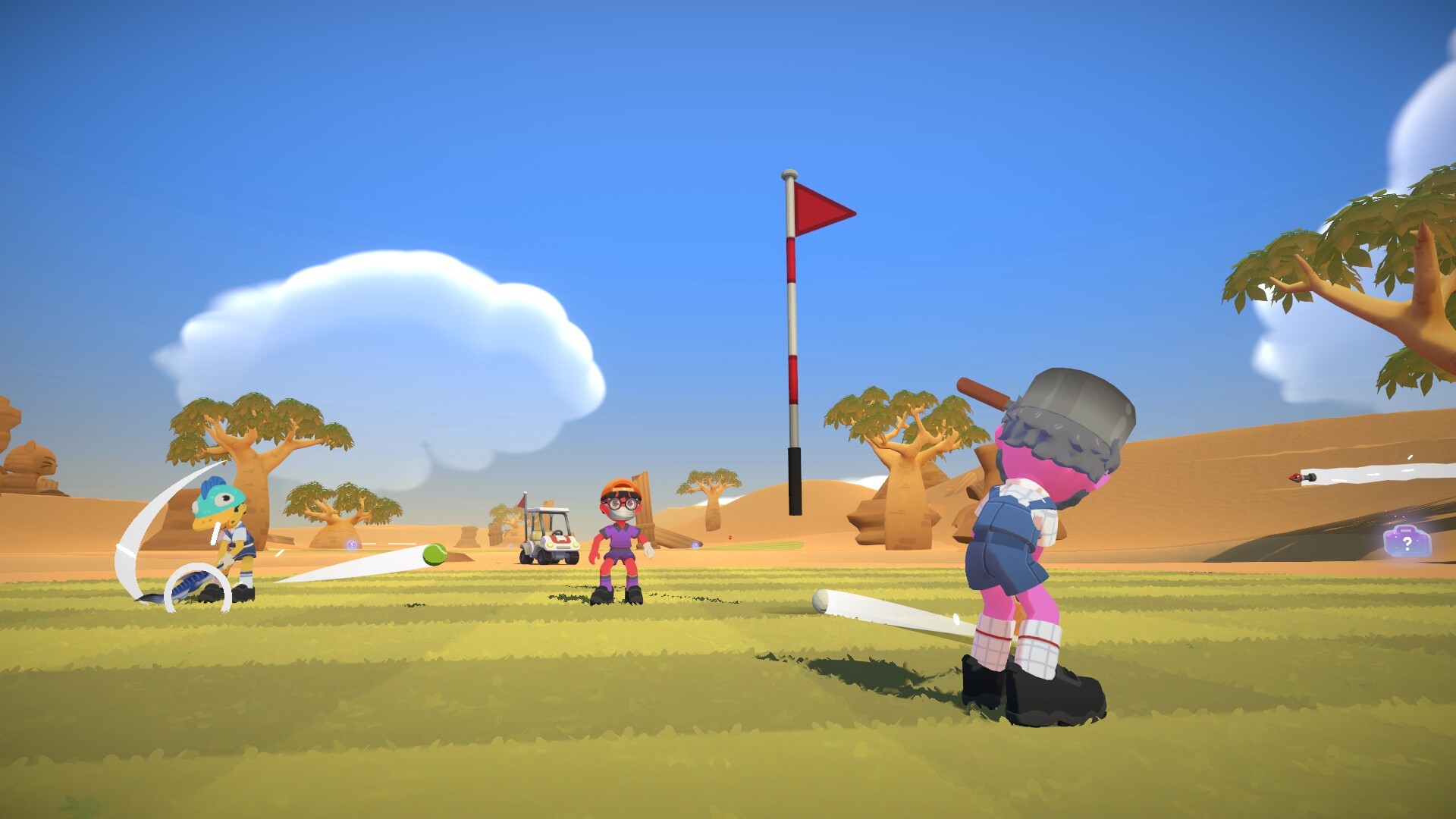
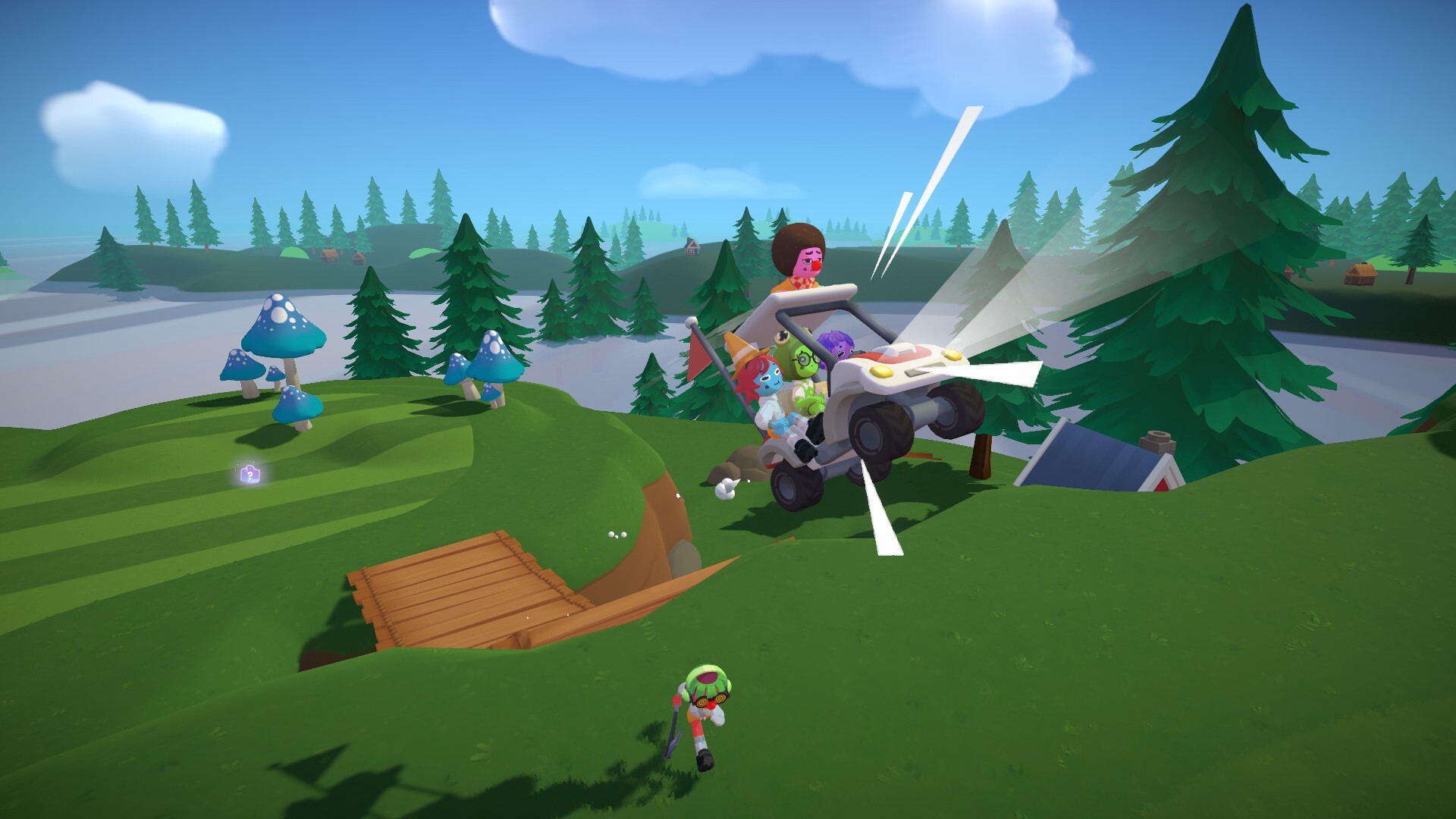
Super Battle Golf is a chaotic multiplayer golf game where 1-8 players compete simultaneously. Race to sink the ball first while using items like mines, orbital lasers, and golf carts to sabotage opponents. Developed by Brimstone and published by Oro Interactive.
When was it released?
February 19, 2026 on Steam for Windows PC. The game sold over 100,000 copies in just 48 hours and has 97% positive reviews.
How much does it cost?
Check the Steam store page for current pricing. The game occasionally goes on sale.
Is there a free or browser version?
No, Super Battle Golf is a paid PC game only. However, we've curated free browser games with similar chaotic golf and physics gameplay if you want to try something similar for free.
System Requirements
Minimum
- OS: Windows 7 64-bit or higher
- CPU: Intel Core i3 or equivalent
- RAM: 4 GB
- GPU: GeForce GT 1030 / Radeon RX 450
- DirectX: Version 11
- Network: Broadband Internet
- Storage: 1 GB available
Recommended
- OS: Windows 10
- CPU: Ryzen 3 3100 or equivalent
- RAM: 8 GB
- GPU: GTX 950 4GB or equivalent
- DirectX: Version 11
- Network: Broadband Internet
- Storage: 1 GB available
Is there a Mac or Linux version?
Currently Windows-only. Mac and Linux players may try compatibility layers like Proton (Steam Deck) or Wine, but official support is not guaranteed.
Multiplayer & Friends
How do I invite friends to play?
- Add your friends on Steam first
- Press "Start" from the main menu to enter the lobby
- Press ESC and select "Invite"
- Choose friends from your Steam list
- Wait for them to accept the invite
- Start the match when everyone's ready!
How do I join public lobbies?
- Select "Join" from the main menu
- Browse available lobbies
- Use filters to find good matches (ping under 100 recommended)
- Click to join, or "Spectate" to watch first
- You can also filter to show only friends' lobbies
Does it support cross-play?
Super Battle Golf is PC-only, so cross-play isn't applicable. All PC players can play together regardless of where they purchased the game.
Is there voice chat?
Yes! Built-in voice chat is available in online lobbies. You can also use Discord or other voice apps if you prefer.
Can I spectate matches?
Yes! When browsing lobbies, click "Spectate" instead of "Join" to watch a match without participating. Great for learning or the "Couch Potato" achievement.
Controls & Input
What are the basic controls?
| Aim | Mouse Movement |
| Swing | Hold & Release Left Click |
| Adjust Angle | Middle Mouse Button |
| Use Item | Right Click |
| Dive/Dodge | Ctrl |
| Drop Item | F |
| Interact | E |
| Creep | Hold Alt |
| Emote | T |
What controllers are supported?
- Xbox controllers (recommended)
- PlayStation controllers (via Steam Input)
- Nintendo Pro Controller
- Most DirectInput controllers
Can I play with keyboard and mouse?
Yes! Keyboard and mouse is fully supported and works great. Some players prefer it for more precise aiming.
Game Content
How many maps are there?
27 courses spread across 3 biomes (9 holes each). A new biome with 9 additional holes is planned for a future content update.
How many items are there?
10 items: Rocket Launcher, Spring Boots, Dueling Pistol, Electromagnet (Shield), Air Horn, Golf Cart, Coffee, Landmine, Orbital Laser, and Elephant Gun. See our complete items guide for details.
How many achievements are there?
34 achievements, including one hidden achievement. See our achievements guide for how to unlock them all.
Troubleshooting
Game won't launch
- Verify game files through Steam (Right-click → Properties → Local Files → Verify)
- Update your graphics drivers
- Try running as administrator
- Disable overlays (Discord, GeForce Experience)
Lag in online matches
- Join lobbies with ping under 100
- Use a wired connection instead of WiFi
- Lower graphics settings
- Close background applications
Controller not detected
- Enable Steam Input for the game
- Reconnect the controller
- Try a different USB port
- Update controller firmware